Summary
Excel introduces the Agent Mode, a new feature that helps users automate tasks and enhance their analytical capabilities.
What is the Excel Agent Mode?
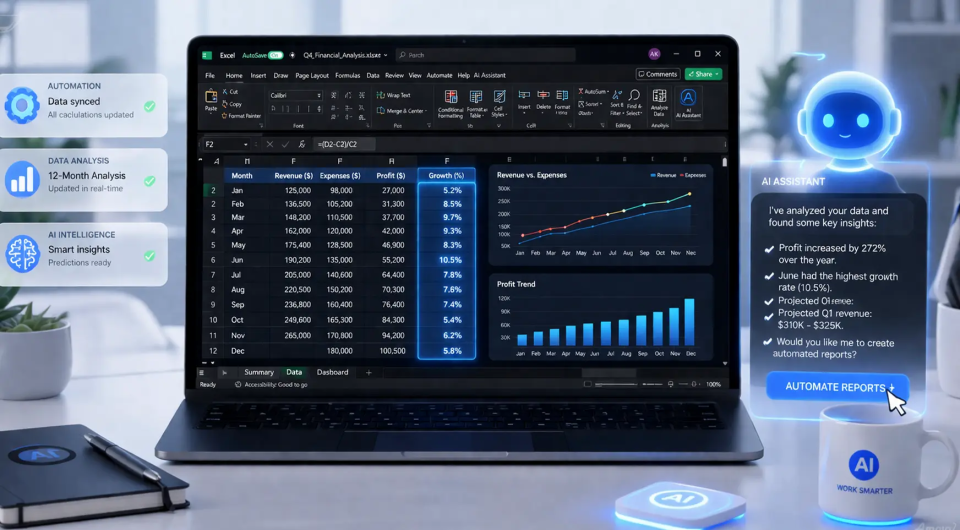
Microsoft has launched the new Excel Agent Mode, enabling users to automate complex tasks and efficiently generate reports. This mode leverages AI to suggest formulas, perform data analyses, and even create charts based on natural language commands.
Why This is a Gamechanger for BI Professionals
The introduction of the Excel Agent Mode addresses the growing demand for user-friendly tools that enable powerful data analysis. Competitors like Google Sheets and Tableau continue to innovate, but Microsoft stands out by integrating AI functionalities that enhance productivity. This development aligns with the broader trend of democratizing data analysis and self-service BI, allowing more professionals to leverage their data effectively without deep technical expertise.
Concrete Takeaway for BI Professionals
It is crucial for BI professionals to explore the capabilities of the Excel Agent Mode and integrate this tool into their workflows. It can significantly improve the speed and accuracy of analyses, which is vital in an increasingly competitive marketplace.
Deepen your knowledge
Knowledge Base
ChatGPT and BI — How AI is transforming data analysis
Discover how ChatGPT and generative AI are changing business intelligence. From generating SQL and DAX to automating dat...
Knowledge BaseAI in Power BI — Copilot, Smart Narratives and more
Discover all AI features in Power BI: from Copilot and Smart Narratives to anomaly detection and Q&A. Complete overview ...
Knowledge BasePredictive Analytics — What can it do for your business?
Discover what predictive analytics is, how it works, and how to apply it in your business. From the 4 levels of analytic...