Summary
Master the power of Excel's IF, AND, OR functions to enhance data management and analysis.
Conditional logic in Excel
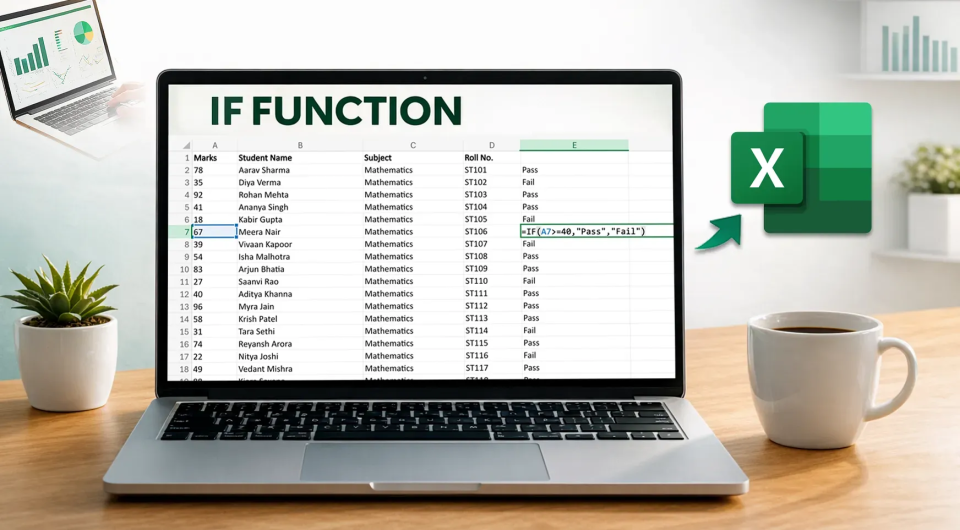
The article explains how to use Excel's IF, AND, and OR functions, providing a step-by-step guide on applying conditional logic. Through examples and context, users can create scenarios that help them analyze and interpret data based on specific criteria.
Significance for BI Professionals
For BI professionals, mastering these functions is essential for data processing and analysis. Proficiency in conditional logic enables professionals to derive deeper insights and make data-driven decisions. Competitors like Google Sheets offer similar functionalities, but Excel remains a leading tool in the industry due to its comprehensive capabilities and robust analytical features.
Concrete takeaway
BI professionals should prioritize learning these functions to create more complex data reports. These skills are crucial for optimizing data flows and executing analyses efficiently.
Deepen your knowledge
Knowledge Base
What is Power BI? Everything you need to know
Discover what Microsoft Power BI is, how it works, what it costs, and why it's the world's most popular BI tool. Complet...
Knowledge BaseWhat is Business Intelligence? Definition, examples and tools
What is business intelligence (BI)? Learn about the definition, BI stack, real-world examples, popular tools, and 2026 t...
Knowledge BaseETL Explained — Extract, Transform, Load in plain language
What is ETL? Learn how Extract, Transform, and Load works, the difference with ELT, and which tools to use. Clearly expl...